Get Fintch free acount only for today, and get your money with refferal code

Cross Icon

Take control of your QR Codes

SEQR puts your brand in control. Create, manage and distribute your QR codes on one secure platform – no third parties, no uncertainty. Safeguard your assets, ensure accurate distribution and unlock real-time analytics to see exactly how and when customers interact with your packaging, promotions and advertising.
Feature Card

Effortless, Secure QR Code Management

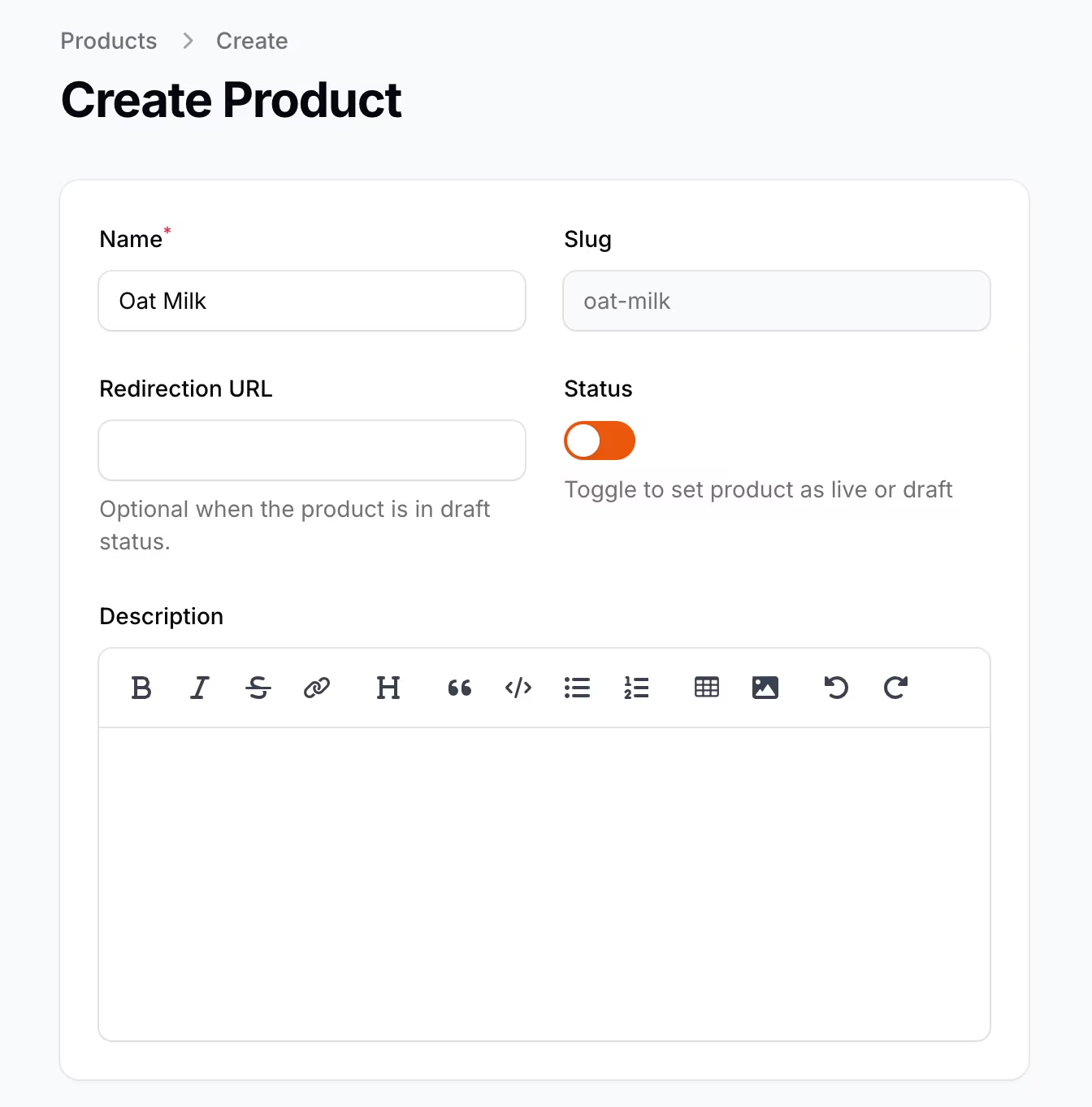
Generate dynamic, customisable QR Codes in seconds.

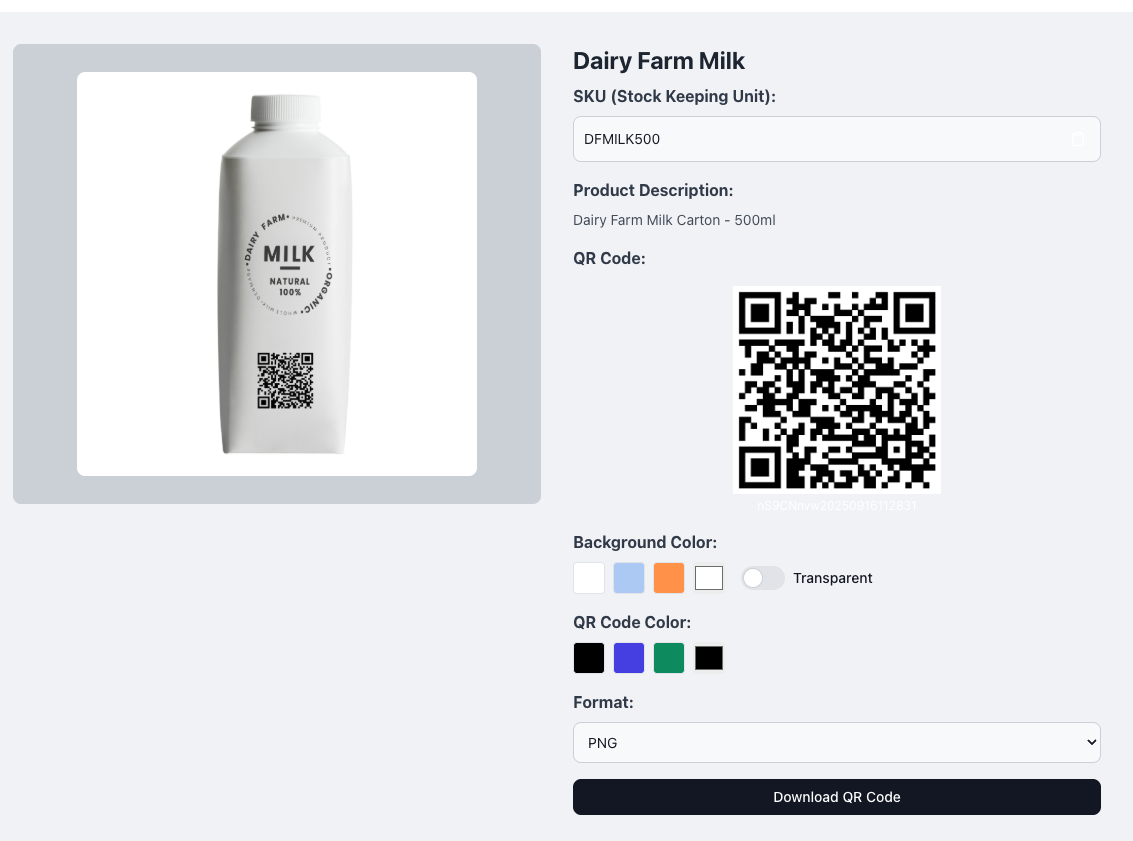
On-demand QR code generation with customisable design

Dynamic URLs mean your QR code is editable at anytime – no reprints needed

Flexible download formats (SVG, PNG, JPG, EPS)

Feature Card

Security-First QR Code Delivery

Share your QR codes safely via password-protected links, complete with product details and imagery for ease – ensuring QR codes are printed where they were made for.

Password-protected links for sharing with your print/design agency partners

Product name, image and information embedded into shareable links when downloading QR codes for print

Flexibility in downloadable formats (PNG, EPS, SVG, JPEG) with customisable design elements

Book a demo

Feature CardFeature Card

Real-Time Scan Insights

Track every scan with real-time, interactive analytics to understand exactly when, where and how customers engage with your QR codes. Monitor scan activity by time, location, and categories to optimise performance – utilising interactive, detailed analysis.

Track QR code scans by time, location and customisable categories.

Use SEQR's interactive charts and timelines to uncover patterns and optimise performance

Book a demo

Feature Card

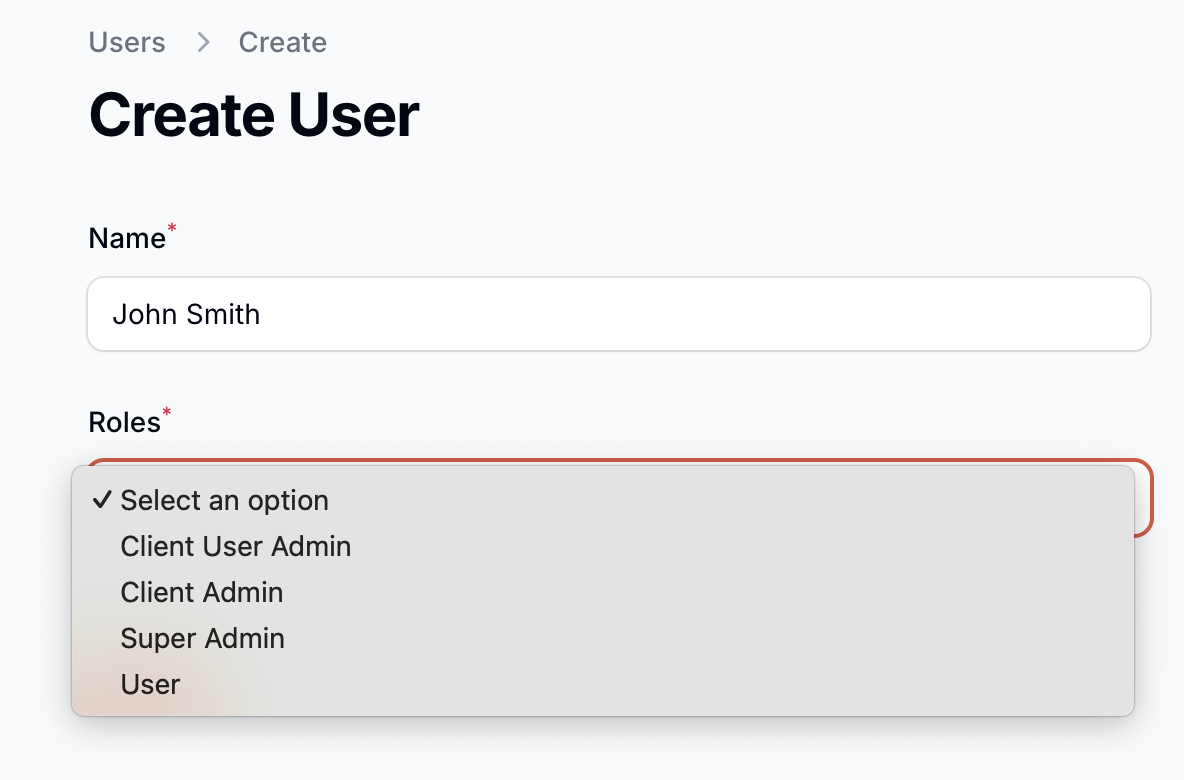
Secure Setup with User Permissions

Stay in control of who can create, edit and distribute your QR codes with role-based permissions and secure single sign-on.

Admin, Manager and Standard user permissions providing separate capabilities, ensuring the safety of your codes

Seamless authentication with Single Sign-On

Book a demo

FAQs

What types of QR codes can I create with SEQR?
Faq Icon
Can I change the destination URL after printing?
Faq Icon
How does user access and permissions work?
Faq Icon
How do I share QR codes with my printer or agency?
Faq Icon
What analytics are available?
Faq Icon
What file formats can I download QR Codes?
Faq Icon

Have more questions?

Get in Touch